


Follow cricket
How to read a match page on the website
You will understand the score at the top of a match page and every tab under it.
Who can do this
Everyone. You don't need an account.
Before you start
A phone or computer with internet.
Open a match. See How to follow live scores.
Steps
Look at the score at the top. It shows both teams, their scores and overs. The batting team has a Batting mark. A live match shows LIVE. A finished match shows RESULT, the result and the PLAYER OF THE MATCH.
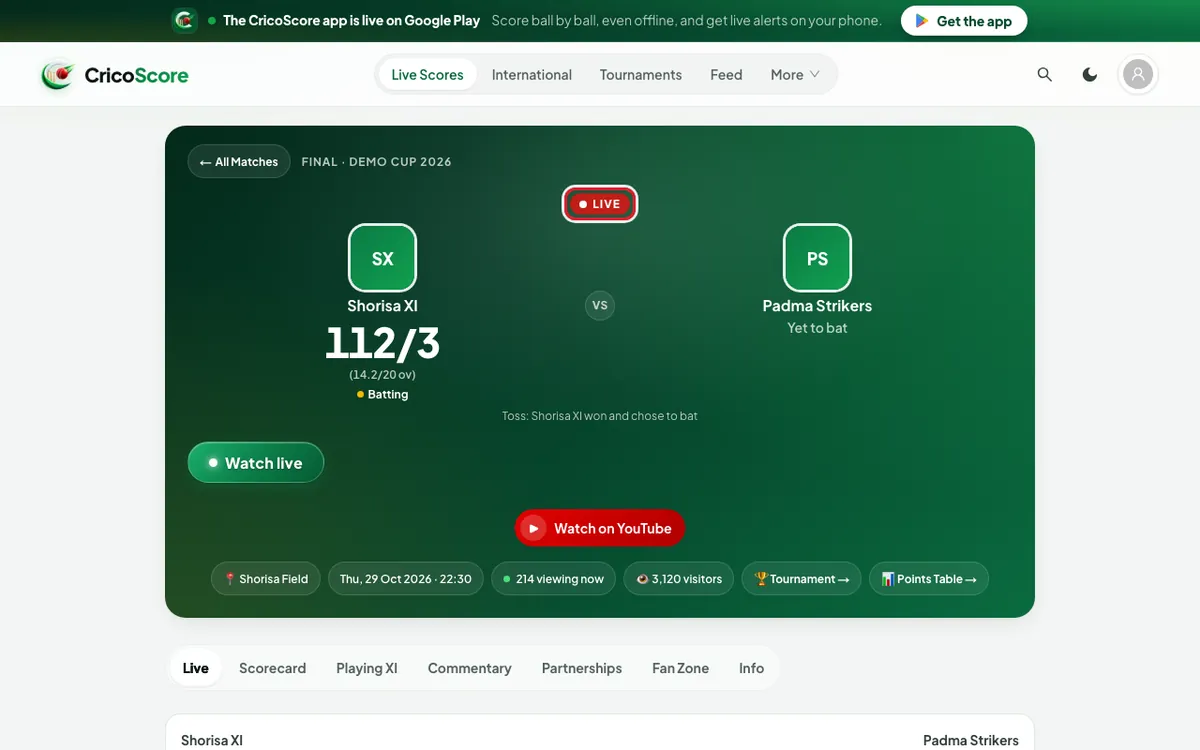
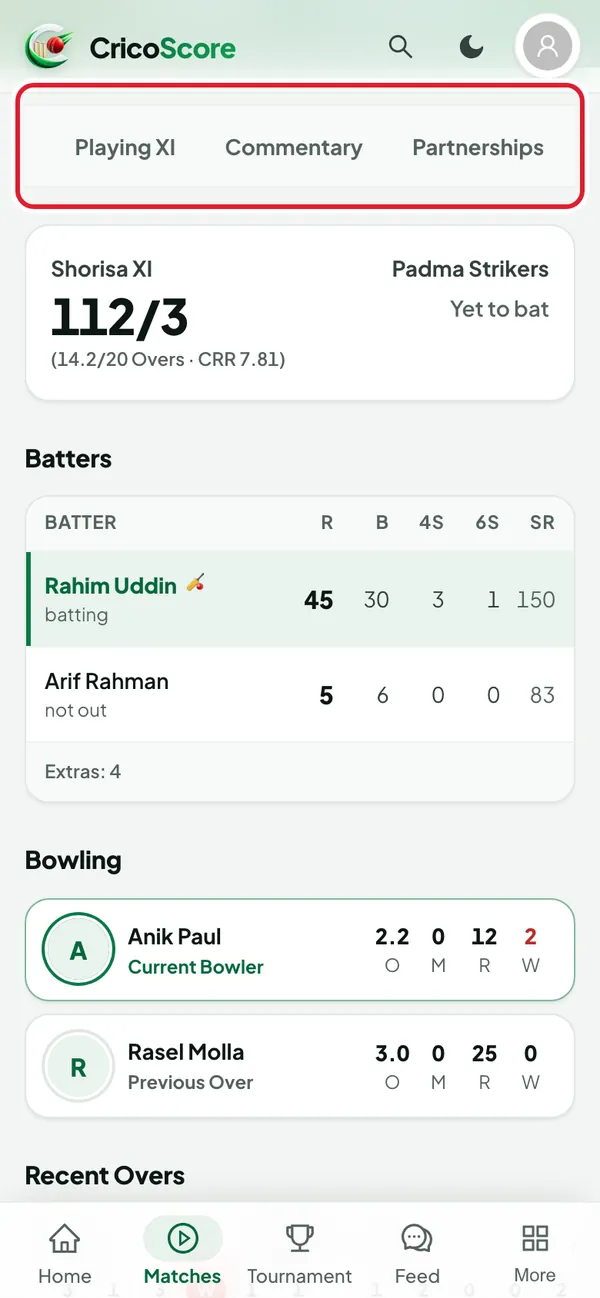
Picture 1. Tap or click to see it bigger. Find the tabs under the score. On a phone, swipe the tabs sideways to see them all.
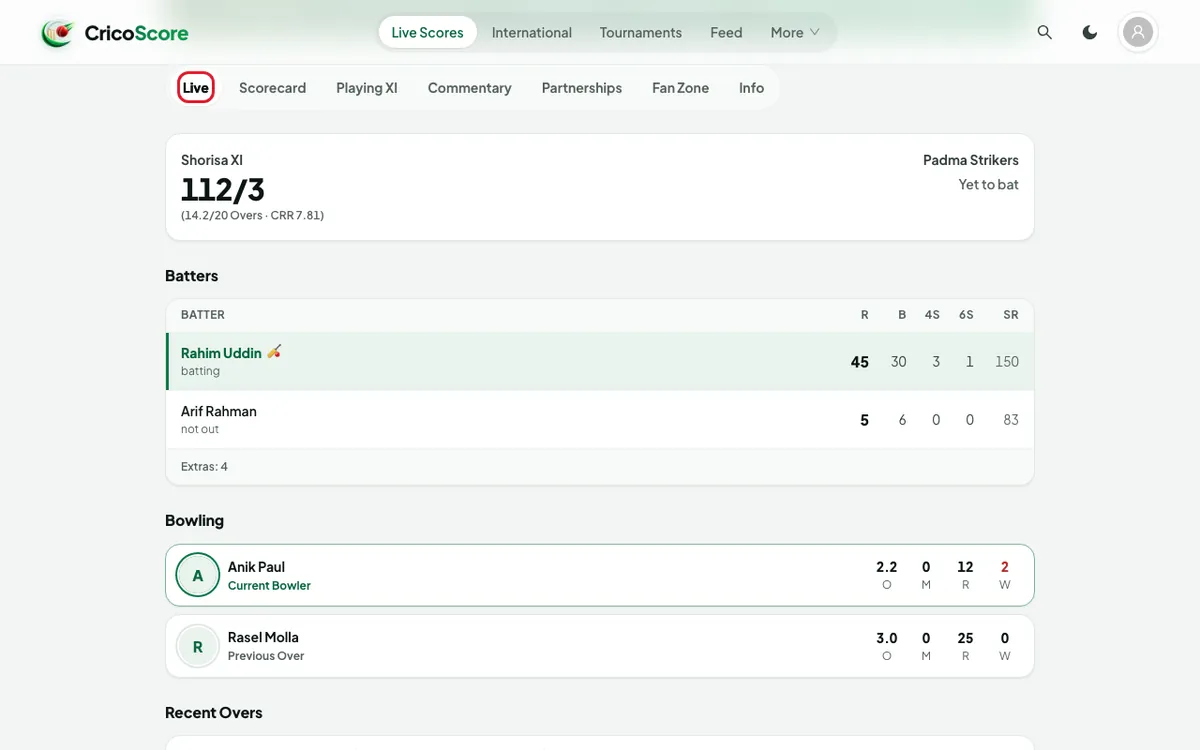
Picture 2. Tap or click to see it bigger. Click (or tap on a phone) Live. You see the batters, the bowling, the recent overs and recent commentary. A finished match shows Summary here instead. It has the top batters and bowlers of each innings.
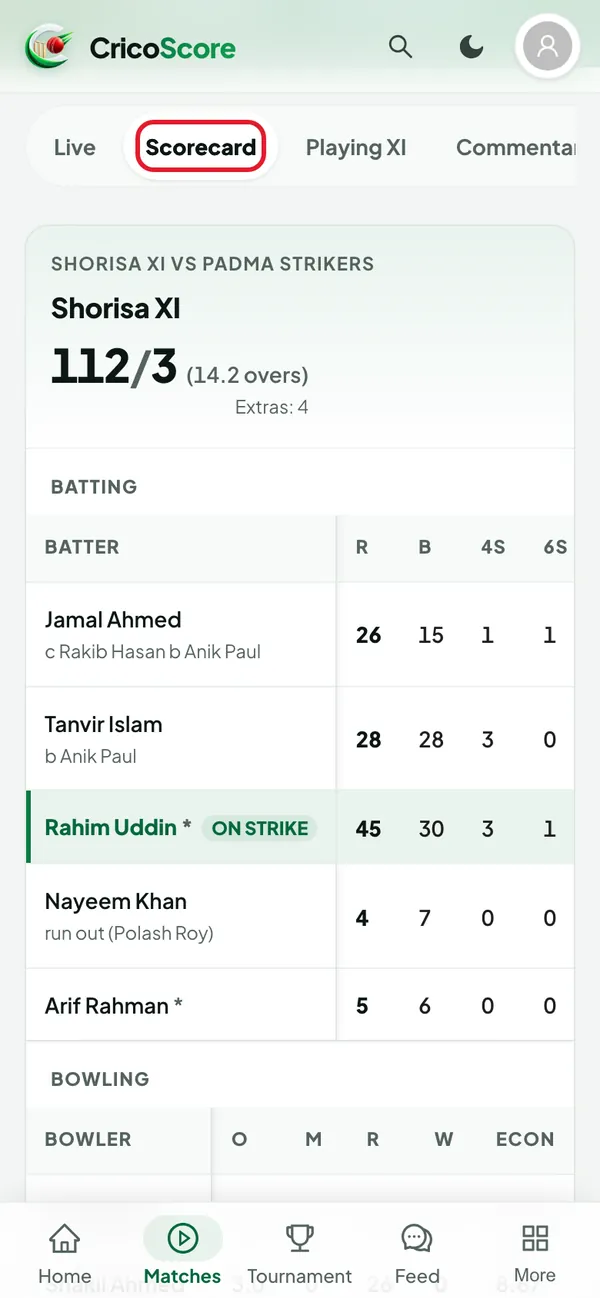
Picture 3. Tap or click to see it bigger. Click (or tap on a phone) Scorecard. You see every batter and bowler, innings by innings.
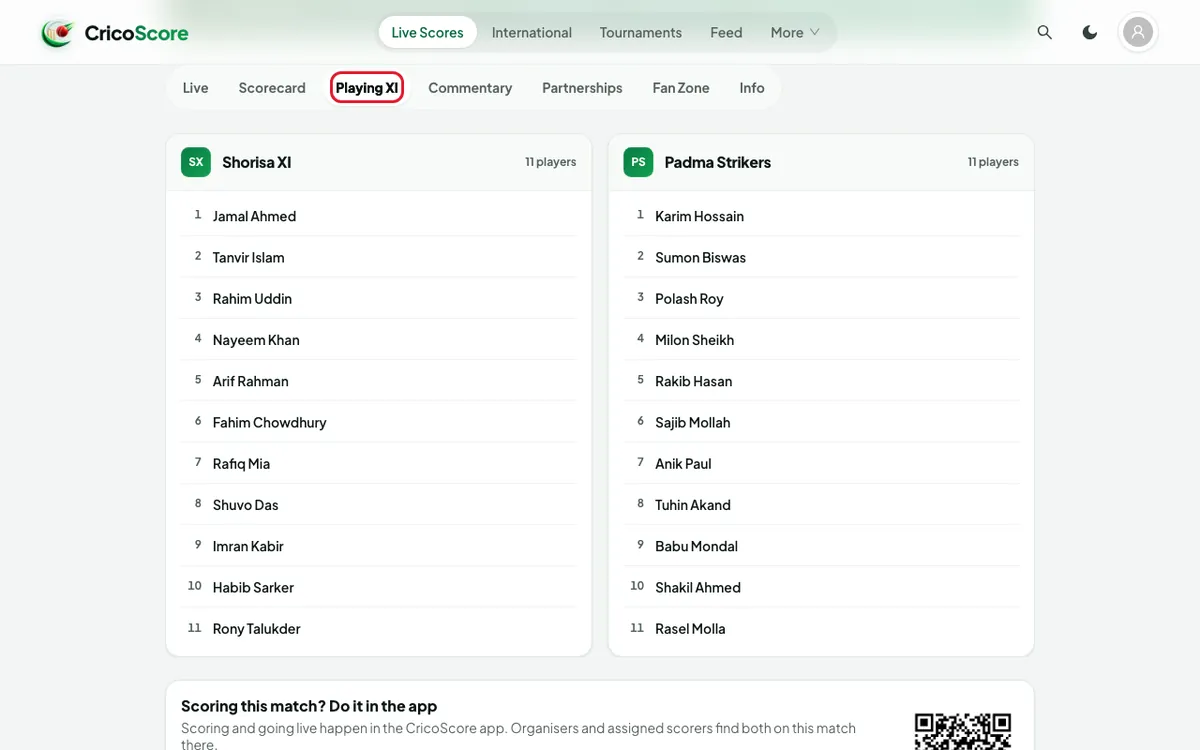
Picture 4. Tap or click to see it bigger. Click (or tap on a phone) Playing XI. You see the players of both teams.
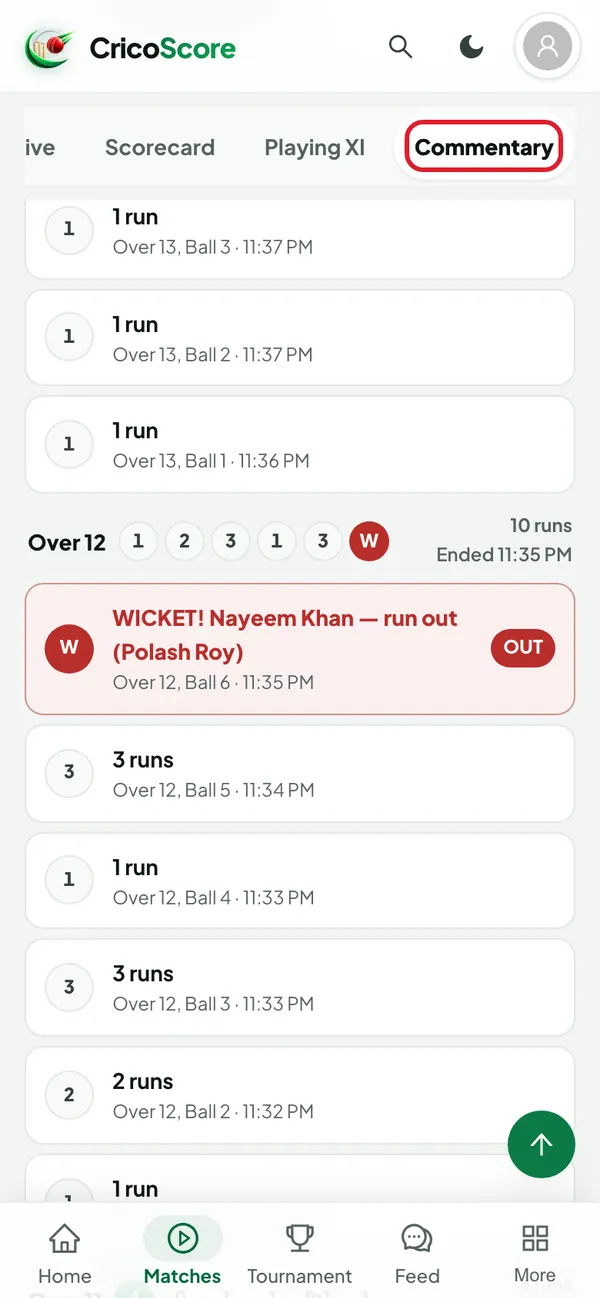
Picture 5. Tap or click to see it bigger. Click (or tap on a phone) Commentary. You see the match ball by ball.
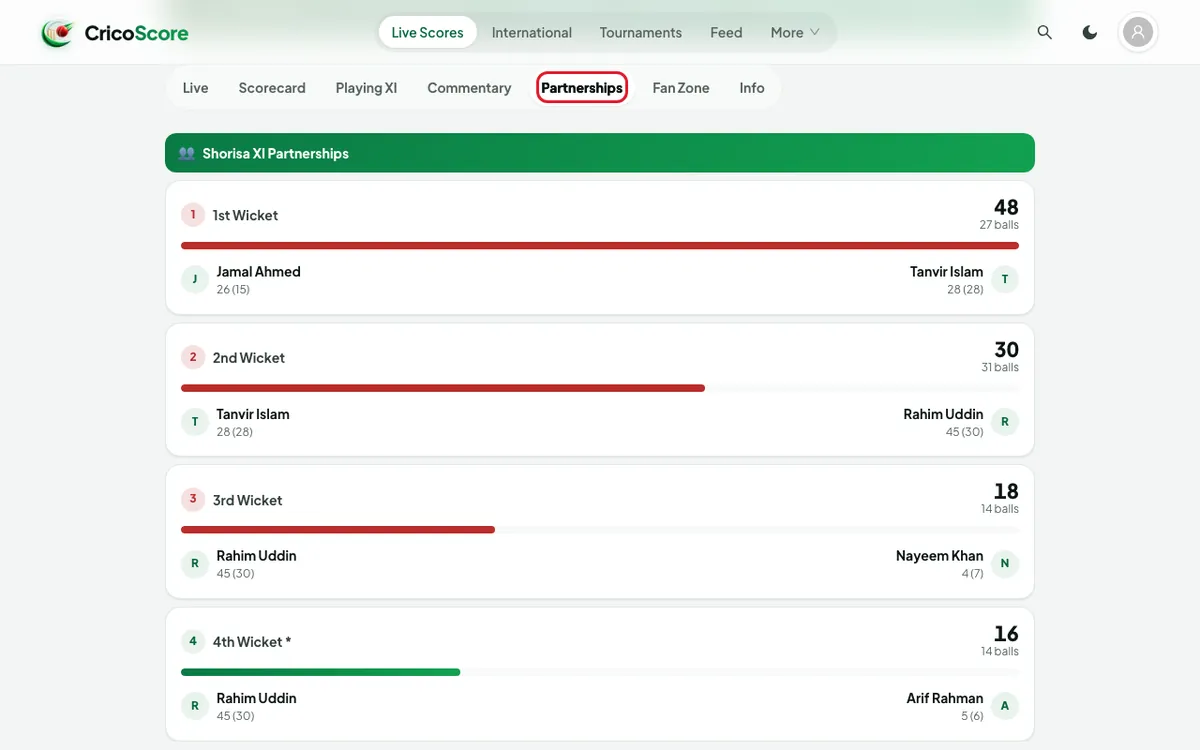
Picture 6. Tap or click to see it bigger. Click (or tap on a phone) Partnerships. You see the runs each pair of batters added.
Picture 7. Tap or click to see it bigger. Click (or tap on a phone) Fan Zone to predict, vote and react. See Fan Zone.
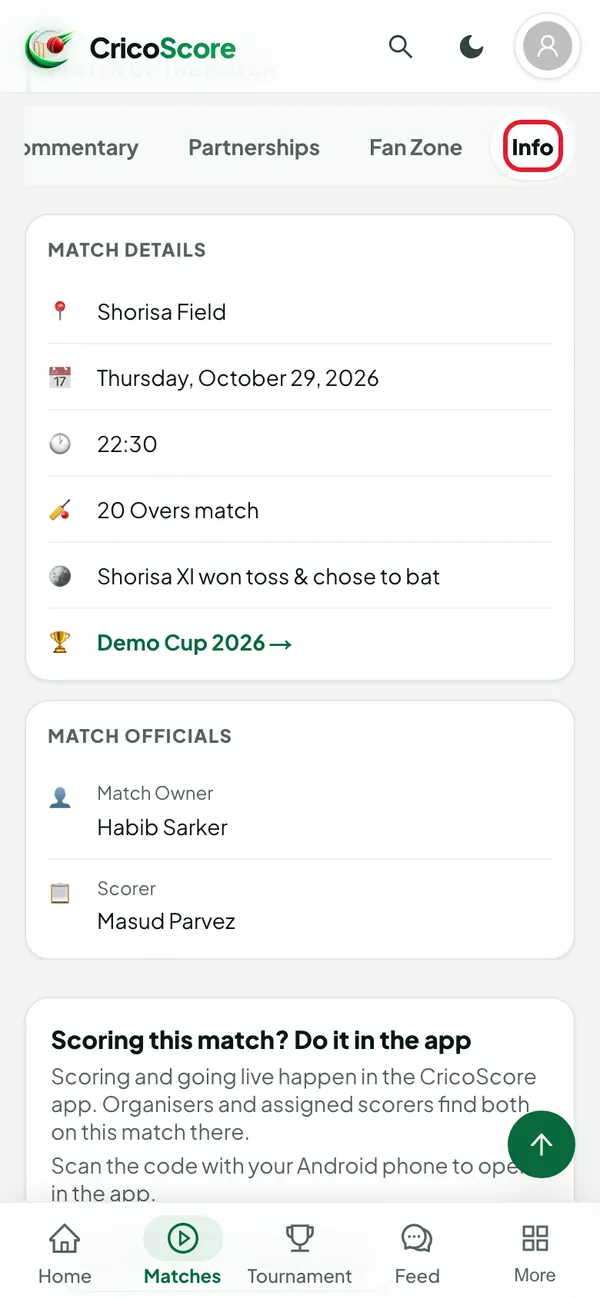
Click (or tap on a phone) Info. You see the teams, the venue, the date, the scorers and the visitors.
Picture 8. Tap or click to see it bigger. Click (or tap on a phone) a player's name to open the player's profile. Not every name is a link.
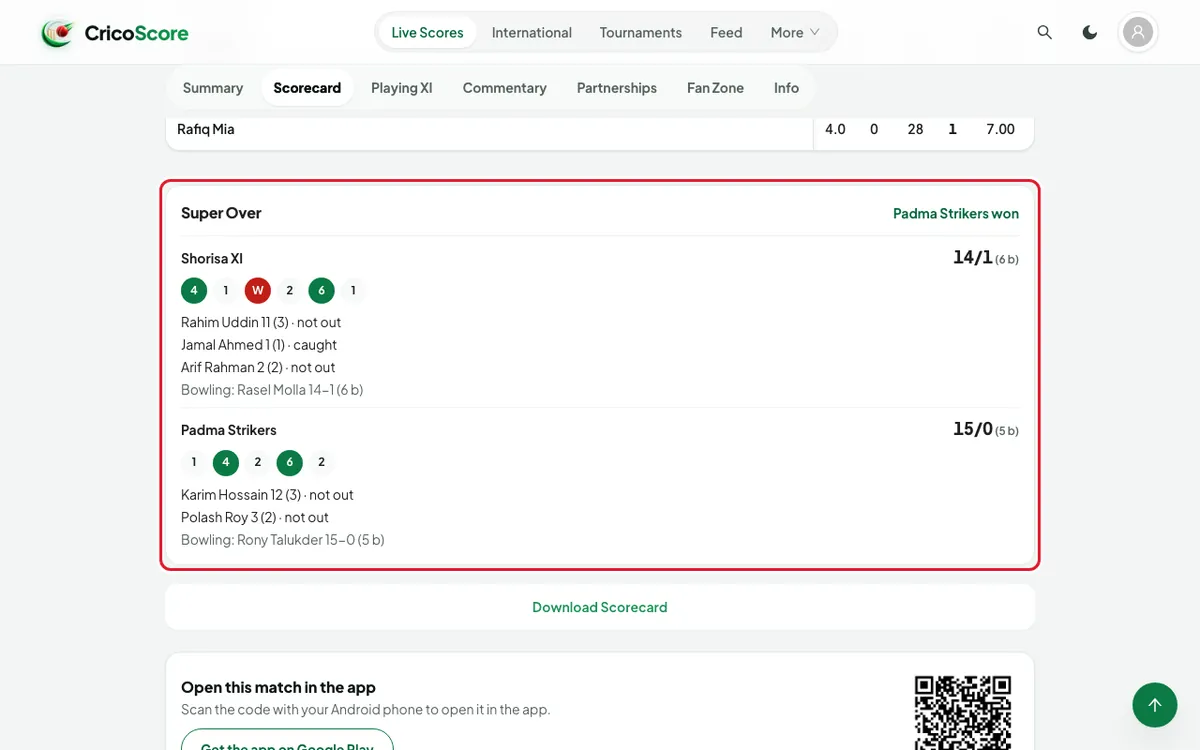
If the match goes to a Super Over
A tied match can go to a Super Over. A Super Over box then shows the score and balls of each team. It also says which team won. You find it:
at the top of the Live tab (while the match is live),
at the end of the Scorecard tab,
in the Info tab (scores and balls only).
Common problems
| Problem | What to do |
|---|---|
| I can't find a Score button | Scoring works only in the app. See What you can do on the website. |
| The Live tab is gone | The match is over. Open Summary instead. |
| Playing XI not yet published for this match. | The teams have not set their Playing XI yet. Check again later. |
| Reconnecting… the score below may be out of date. | Check your internet. The score updates again when the connection is back. |
| We couldn’t find this match. | The link may be wrong, or the match is not public yet. |