


Getting started
What you can do on the CricoScore website
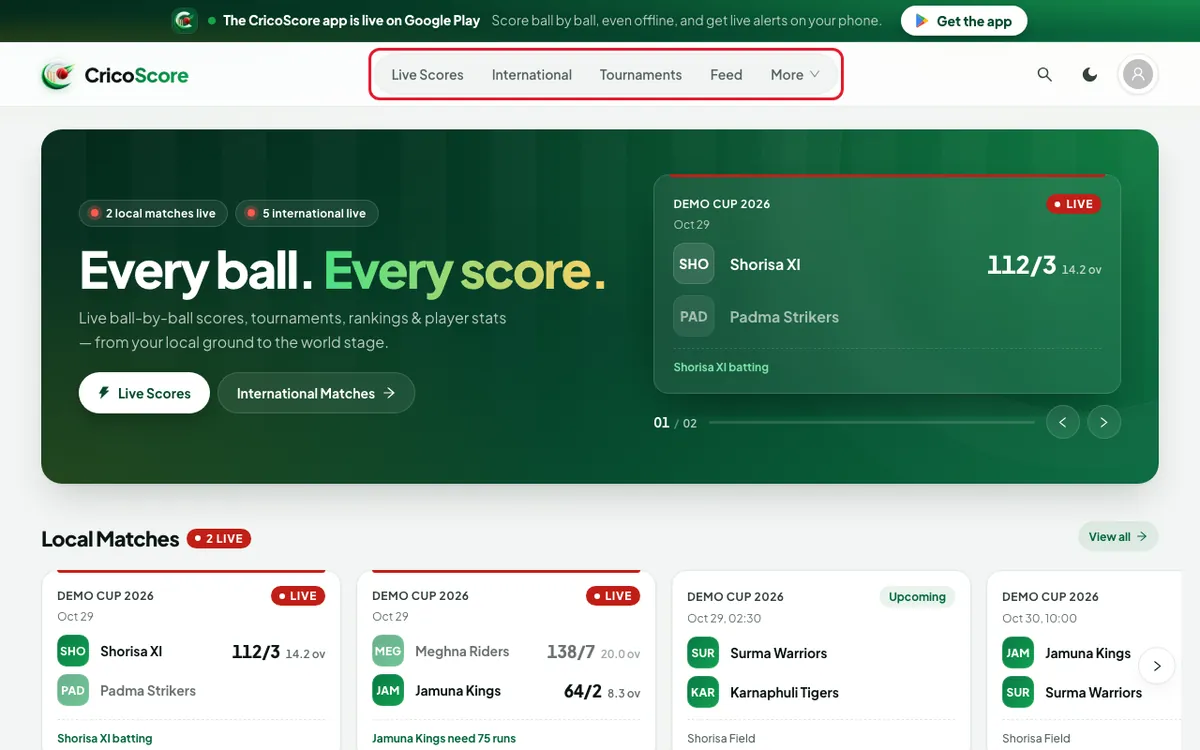
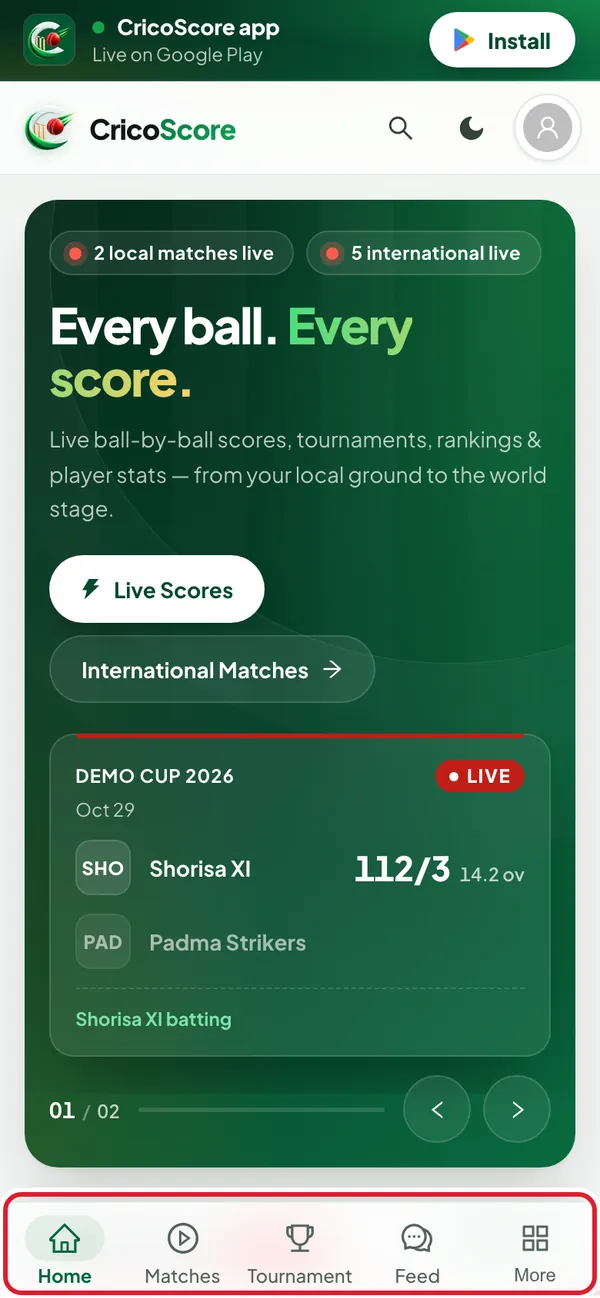
The website cricoscore.app shows live scores, tournaments, teams and players. You can use it on a phone or a computer. Some things work only in the CricoScore app. This guide shows which is which.
Who can do this
Everyone. You don't need an account to watch scores.
Before you start
A phone or computer with internet.
Open cricoscore.app in your browser (Chrome, for example).
On the website you can
Follow live scores. Local matches and international matches.
Open any match. See the scorecard, the commentary, the Playing XI and the partnerships.
Watch a match video when the scorer streams it on YouTube or Facebook.
Follow tournaments. See the points table, the matches, the teams and the top players.
See teams and players. Squads, stats, trophies and profiles.
Read the Community Feed (the Feed page) and the news.
Download a match summary or scorecard as a picture.
With a free account, you can also:
Post in the feed, comment and react.
Vote in the Fan Zone: predictions, MVP vote and polls.
Follow players, teams and tournaments.
Organisers: create and manage tournaments and teams from a computer.
Use the app for these
The website cannot do these things. Use the CricoScore app:
Score a match (ball by ball).
Go live with video from your phone.
Messages and group chats.
Requests: scorer requests and hiring players.
Set the Playing XI for your team.
Create a friendly match (a match that is not in a tournament).
Notification settings.
How to open the app from the website
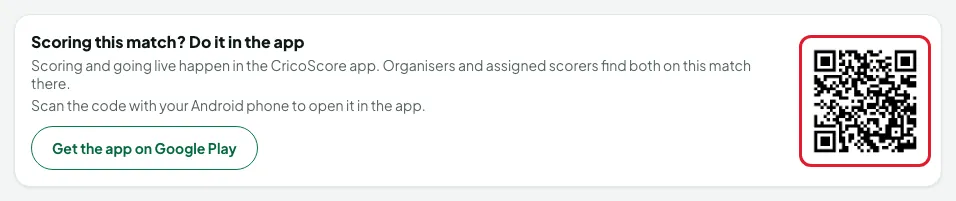
Open a match page. Under the tabs, find the app box. It says Open this match in the app or Scoring this match? Do it in the app.
What you see depends on your device:
Android phone: tap Open in the app. The app opens on that match. No app yet? Google Play opens, so you can install it.
Computer: scan the QR code with your Android phone. You can also click Get the app on Google Play.
iPhone: the box says the app is on Android for now. Keep using the website.
Common problems
| Problem | What to do |
|---|---|
| I can't find a Score button on the website | Scoring works only in the app. See How to score each ball in the app guides. |
| I don't see Continue with Google on the website | The website has email or phone sign-in only for now. Use the same email or phone and password as in the app. |
| I have an iPhone | There is no iPhone app yet. You can follow every score on the website. |