


Follow cricket
How to predict, vote and react in the Fan Zone
You will predict the toss and the winner, vote for the Fan MVP, answer polls and react to a match.
Who can do this
Anyone with an account. Without an account, you can see the votes but not vote.
Before you start
A CricoScore account. See How to create an account and sign in.
Open a match page. See How to read a match page.
Steps
Click (or tap on a phone) the Fan Zone tab.
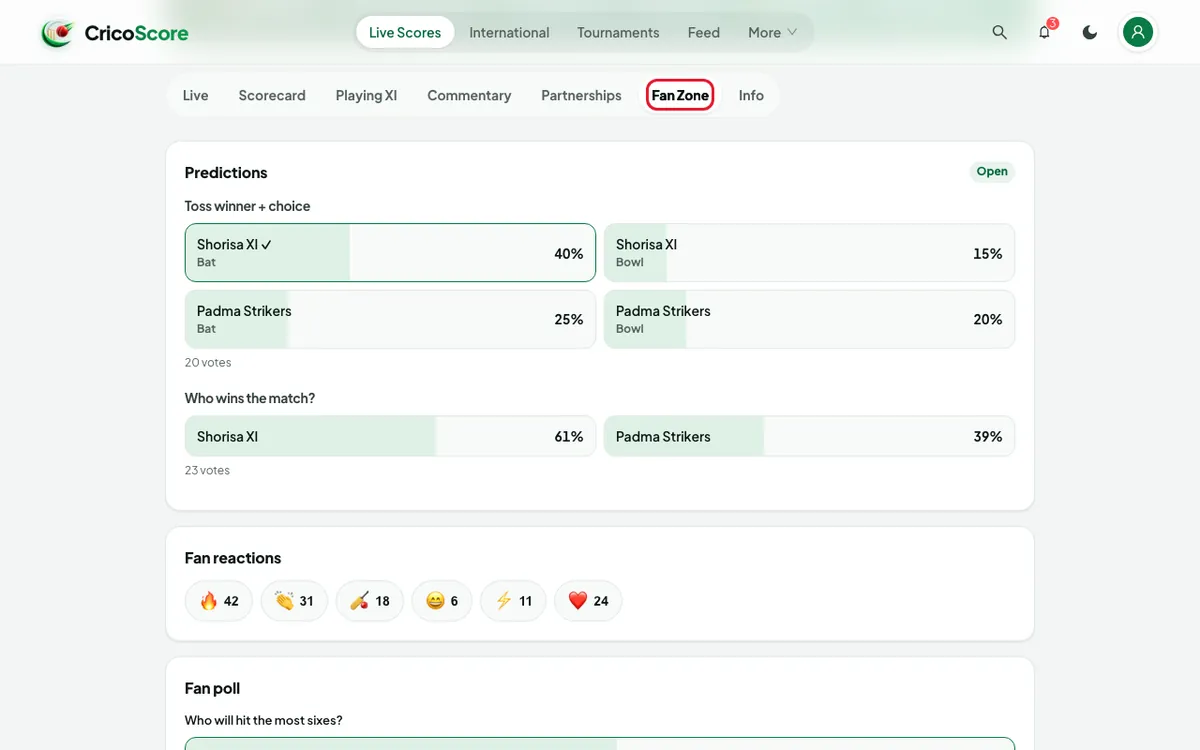
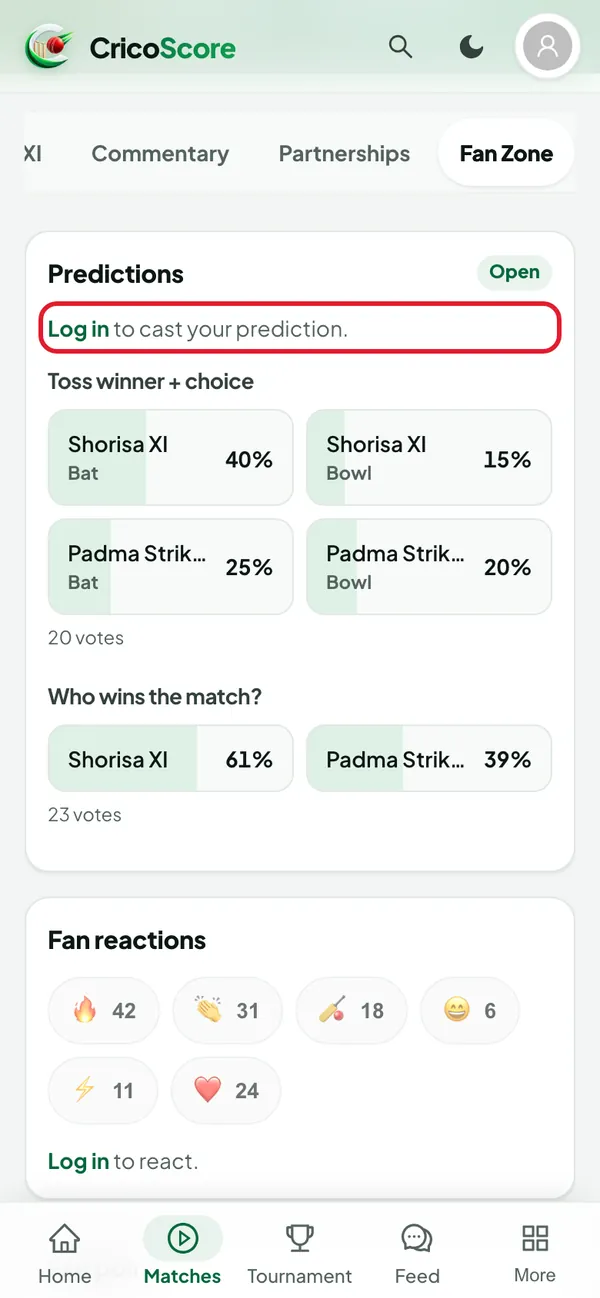
Picture 1. Tap or click to see it bigger. Not signed in? Click (or tap on a phone) Log in in the Fan Zone. Sign in. The website brings you back to the match.
Picture 2. Tap or click to see it bigger. Predictions: under Toss winner + choice, choose a team and Bat or Bowl. A ✓ shows your choice.
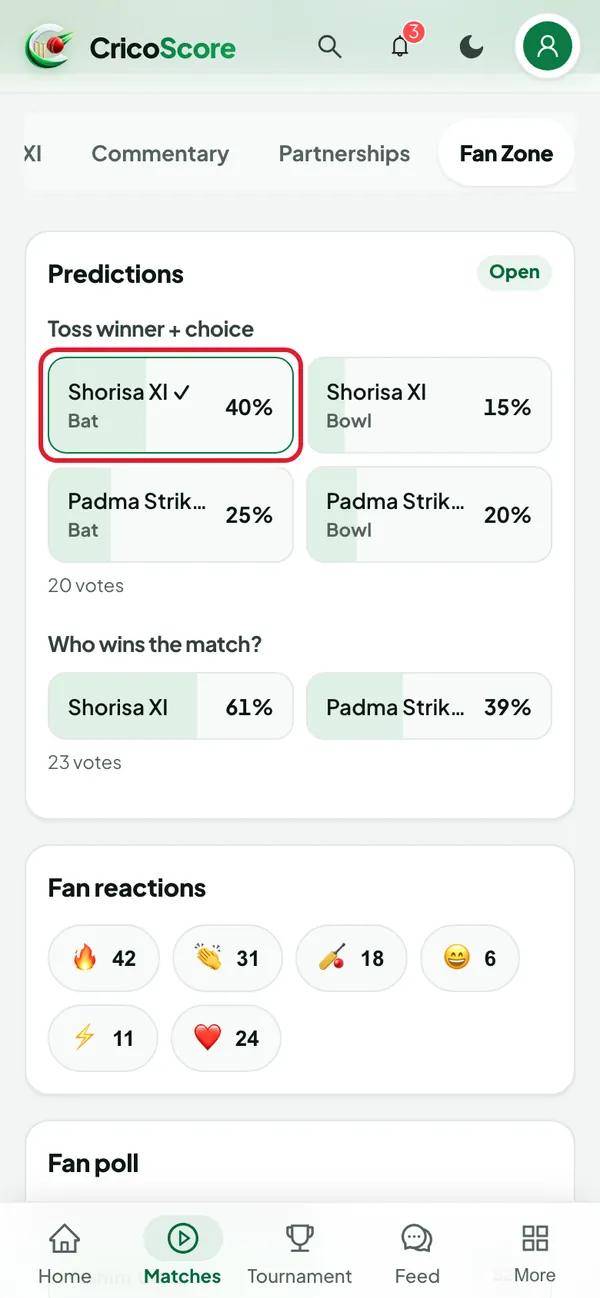
Picture 3. Tap or click to see it bigger. Under Who wins the match?, choose a team.
Fan reactions: click (or tap on a phone) an emoji, for example 🔥 or 👏. The number goes up by 1.
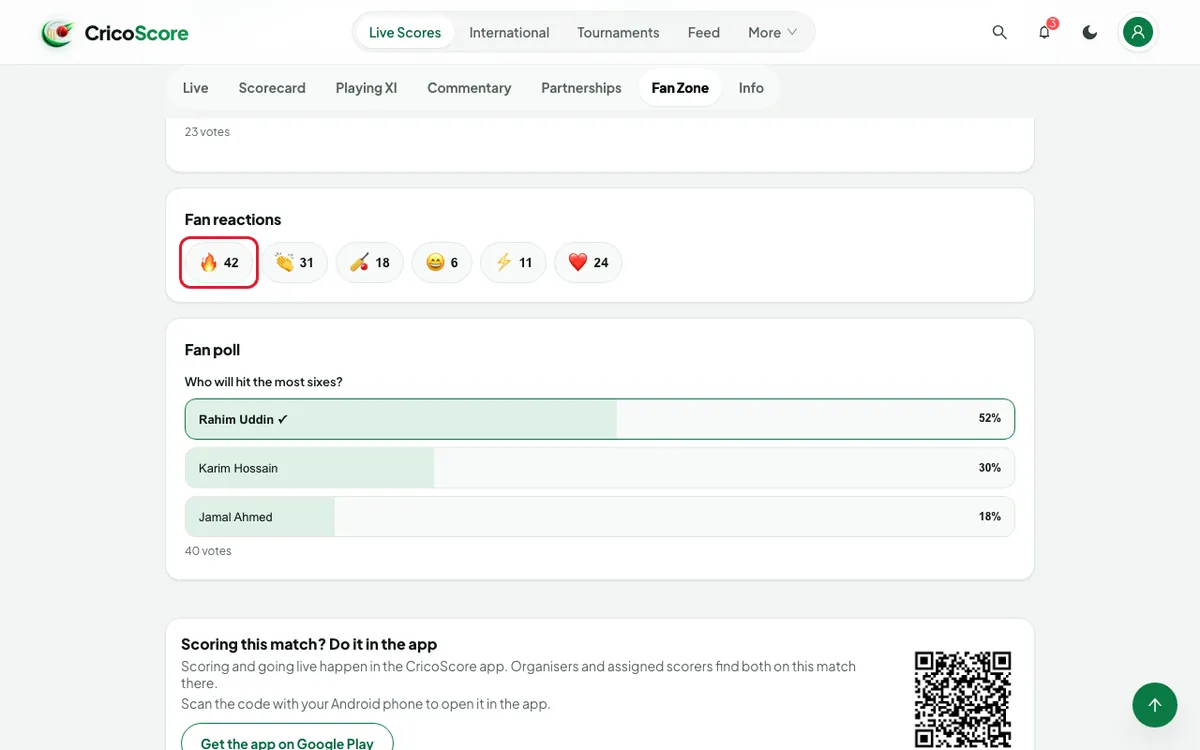
Picture 4. Tap or click to see it bigger. Fan poll: if the match has a poll, choose an answer. You see the result in percent.
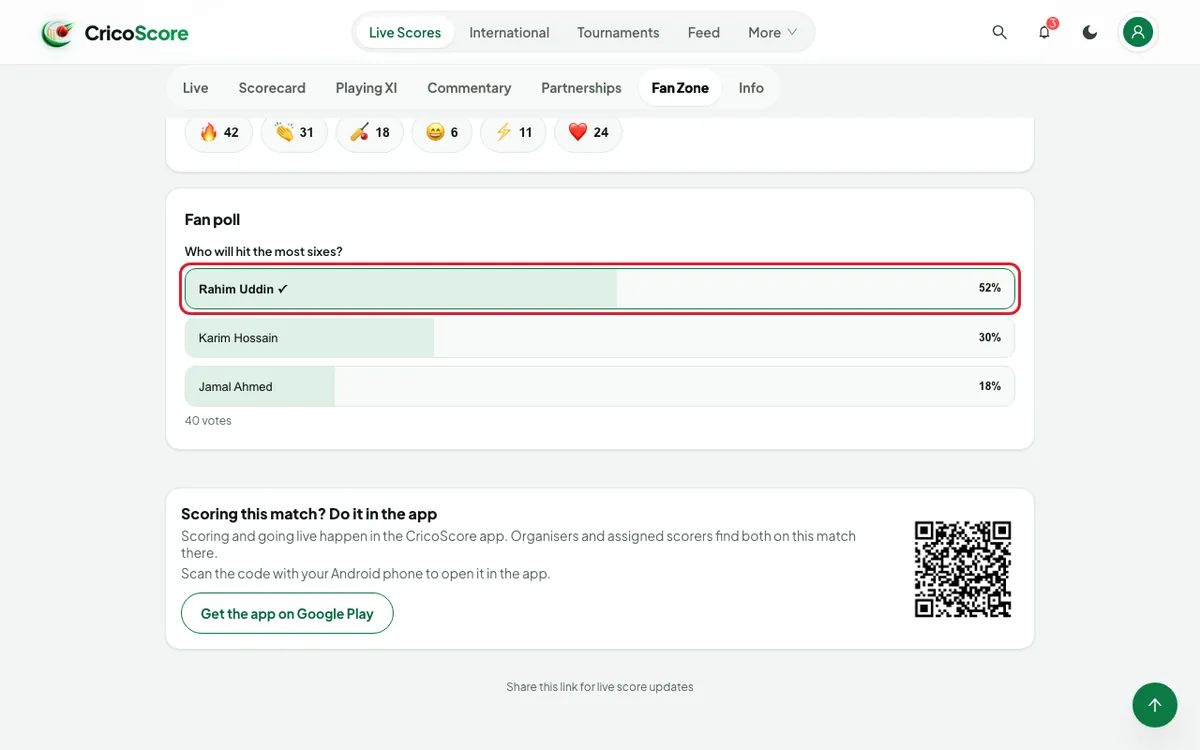
Picture 5. Tap or click to see it bigger. Fan MVP: after the match ends, choose a player under CAST YOUR VOTE.
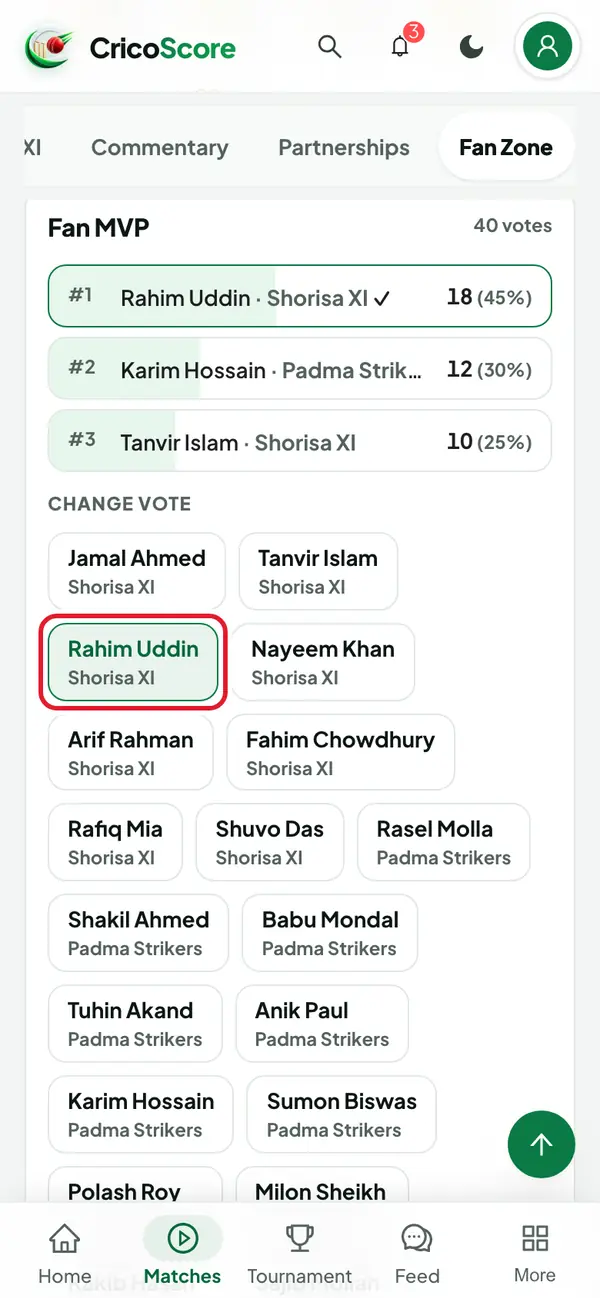
Picture 6. Tap or click to see it bigger. To change your MVP vote, choose another player under CHANGE VOTE.
Common problems
| Problem | What to do |
|---|---|
| The boxes are grey and I can't vote | Sign in first. If you are signed in, voting may be closed. |
| I don't see Predictions | Voting closed before anyone voted. The card shows only when it is open or has votes. |
| I don't see Fan MVP | The MVP vote opens after the match ends. |
| I don't see a poll | This match has no poll. |
| Session expired. Please sign in again. | Sign in again, then vote again. |