


Follow cricket
How to download and share a scorecard from the website
You will save a match summary or scorecard as a picture, and share a match link.
Who can do this
Everyone. You don't need an account.
Before you start
A phone or computer with internet.
Open a match page. See How to read a match page.
Download the summary picture
The summary is ready when the match is over.
Click (or tap on a phone) the Summary tab.
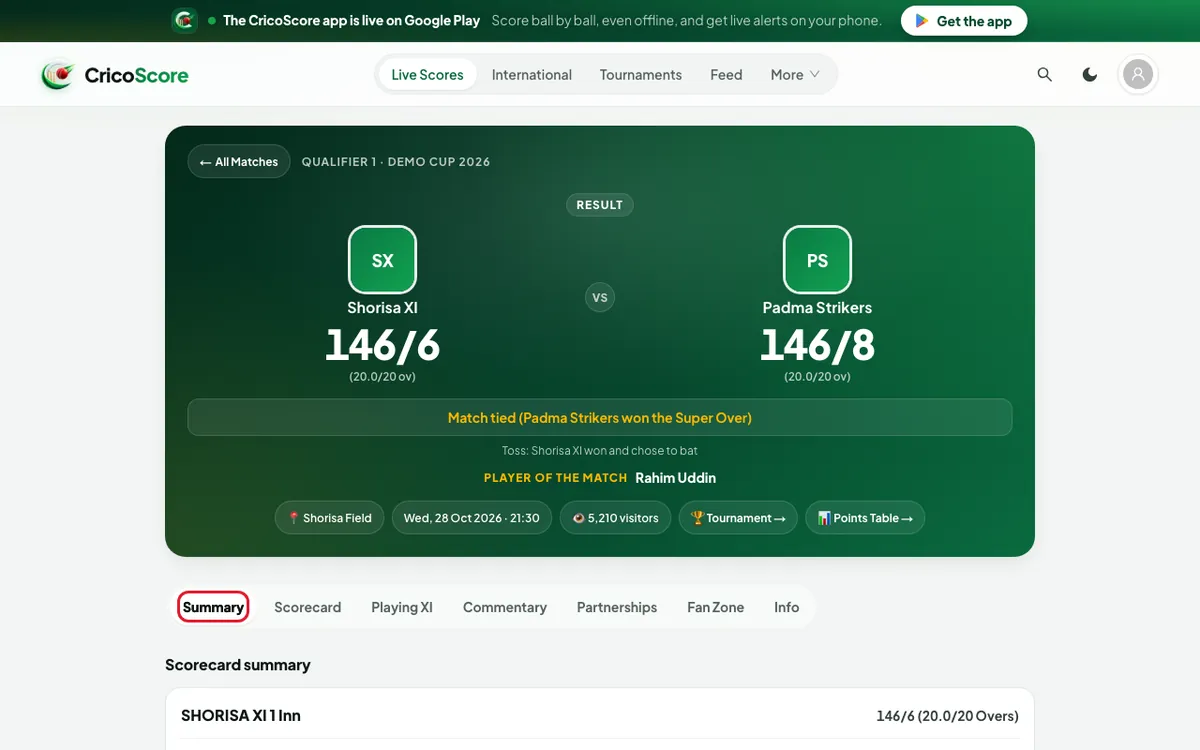
Picture 1. Tap or click to see it bigger. Click (or tap on a phone) Download Summary. The button shows Saving…. Then your browser saves one picture.
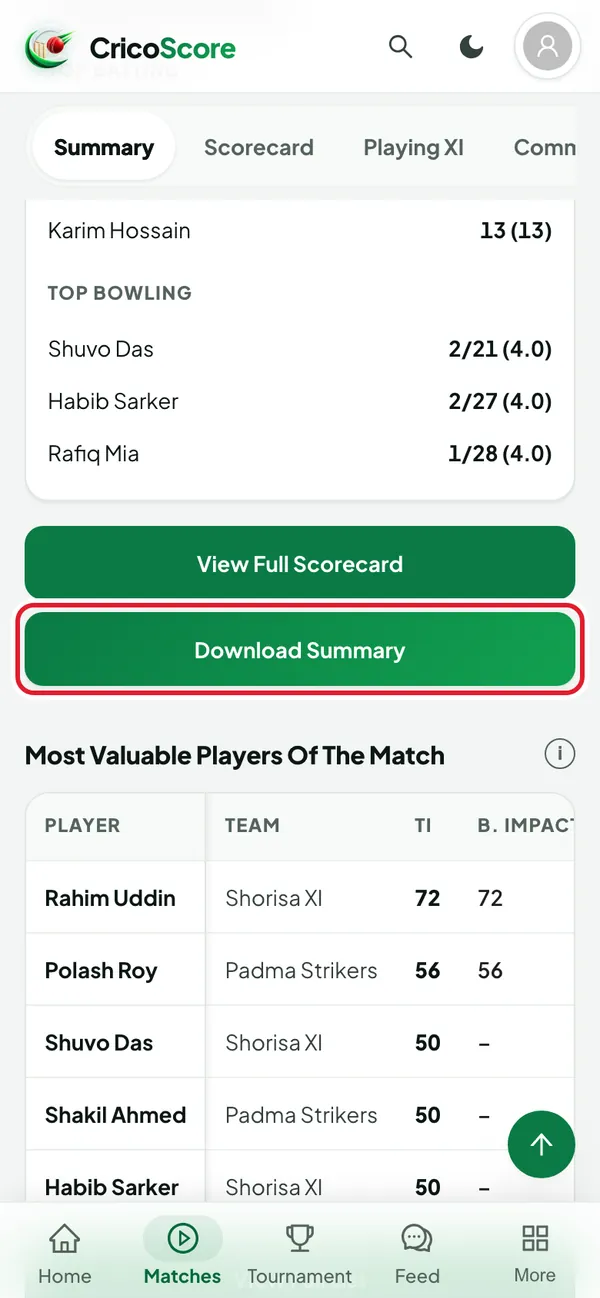
Picture 2. Tap or click to see it bigger.
Download the scorecard pictures
Click (or tap on a phone) the Scorecard tab.
Scroll to the end of the scorecard.
Click (or tap on a phone) Download Scorecard. Your browser saves one picture for each innings.
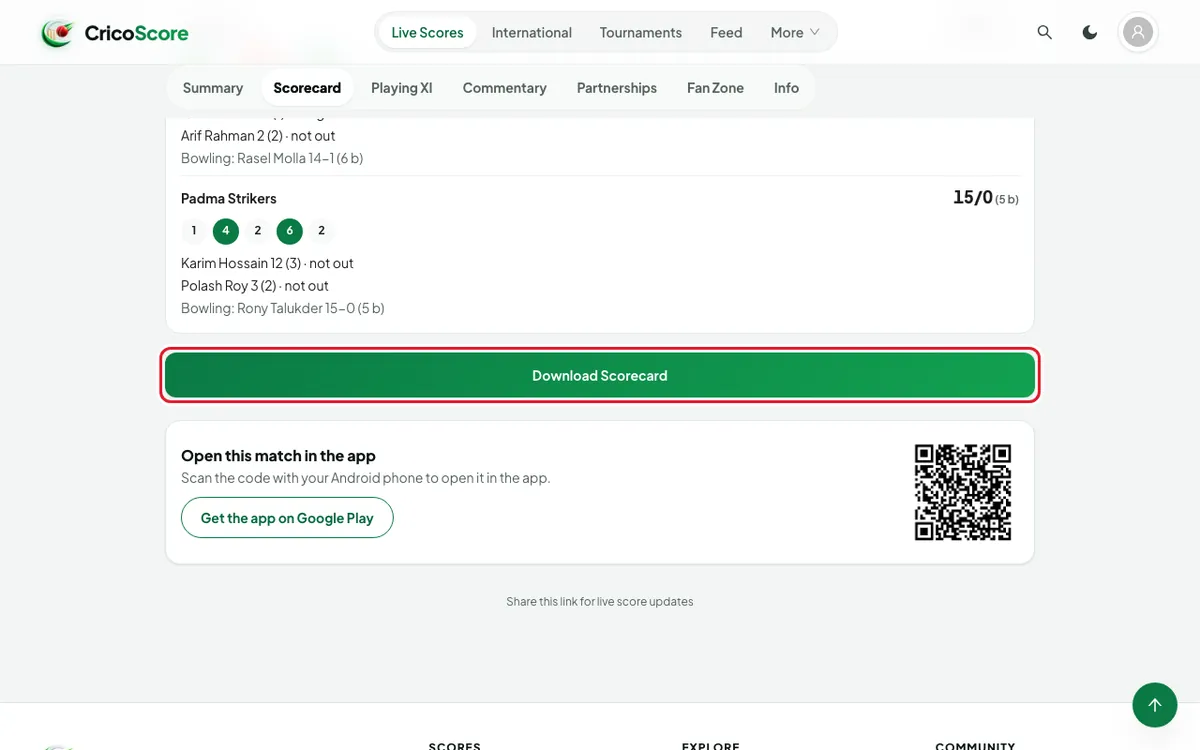
Picture 3. Tap or click to see it bigger. Find the pictures where your browser saves downloads. On a computer, this is often the Downloads folder. The names start with cricoscore-summary or cricoscore-scorecard.
Share a match link
There is no share button on the match page yet.
Copy the address from the top of your browser.
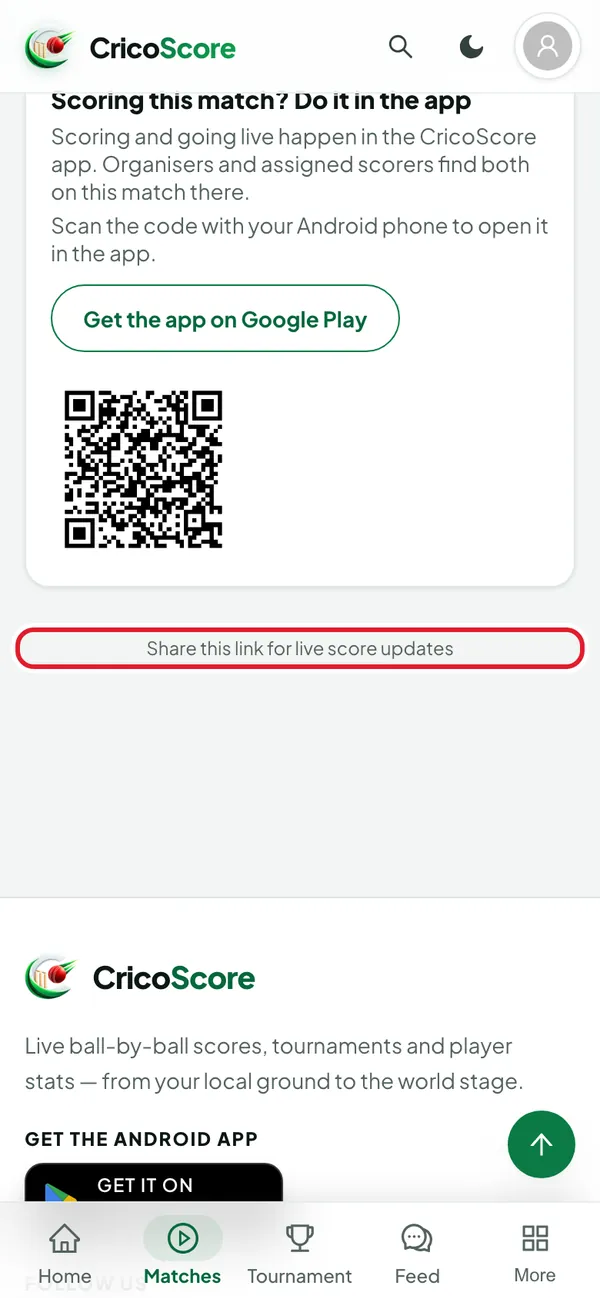
Picture 4. Tap or click to see it bigger. Paste it in WhatsApp, Facebook or Messenger. A preview picture with the teams and the score usually appears.
Common problems
| Problem | What to do |
|---|---|
| I don't see Summary | The match is not over yet. Use Download Scorecard for now. |
| I don't see Download Scorecard | The match has not started. There is no scorecard yet. |
| Only 1 scorecard picture was saved | Your browser may block many downloads at once. Allow downloads from cricoscore.app, then try again. |
| Could not save the summary image. Please try again. | Wait a moment, then click (or tap on a phone) the button again. |
| I can't find the picture on my phone | Open your browser's Downloads list, or your phone's files app. |