


More to explore
How to follow world cricket on the website
Follow international matches, series, teams, players, grounds and news.
Who can do this
Everyone. You don't need an account.
Before you start
A phone or computer with internet.
Open cricoscore.app in your browser.
Steps
Open International.
Computer: click International in the top menu.
Phone: tap More in the bottom bar, then tap International.
The International Matches page opens.
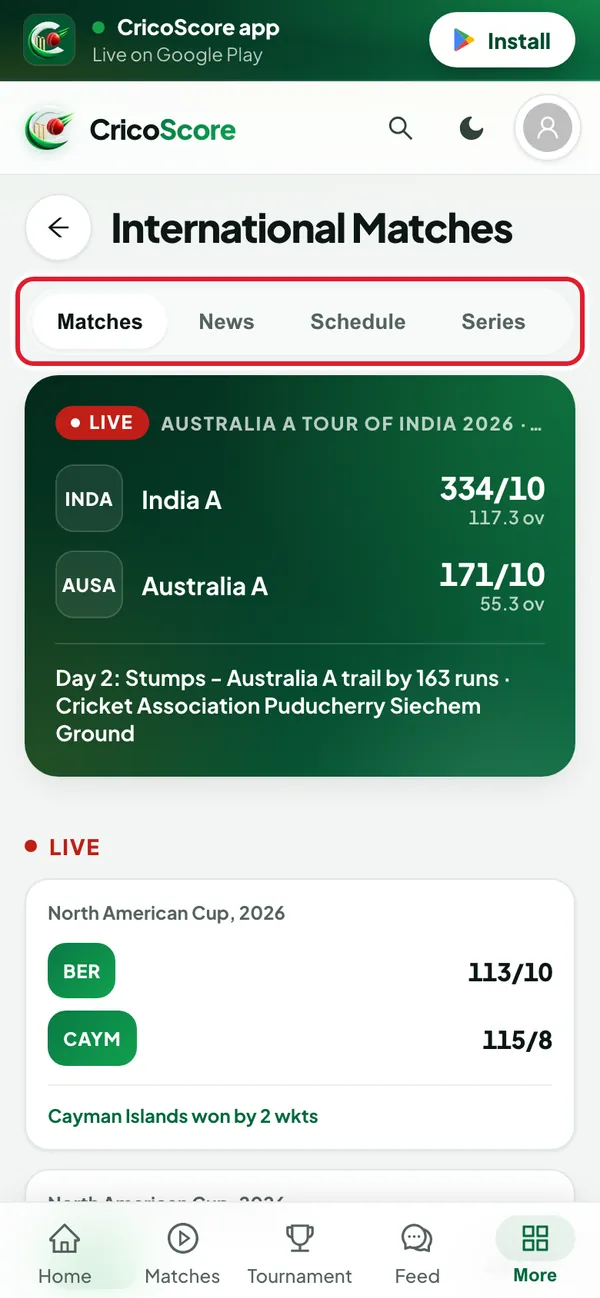
Picture 1. Tap or click to see it bigger. Click (or tap on a phone) a tab: Matches, News, Schedule, Series, Teams or Rankings.
On Matches, click (or tap) a match. The match page has the tabs Live, Summary, Scorecard, Commentary, Overs, Fan Zone and Info.
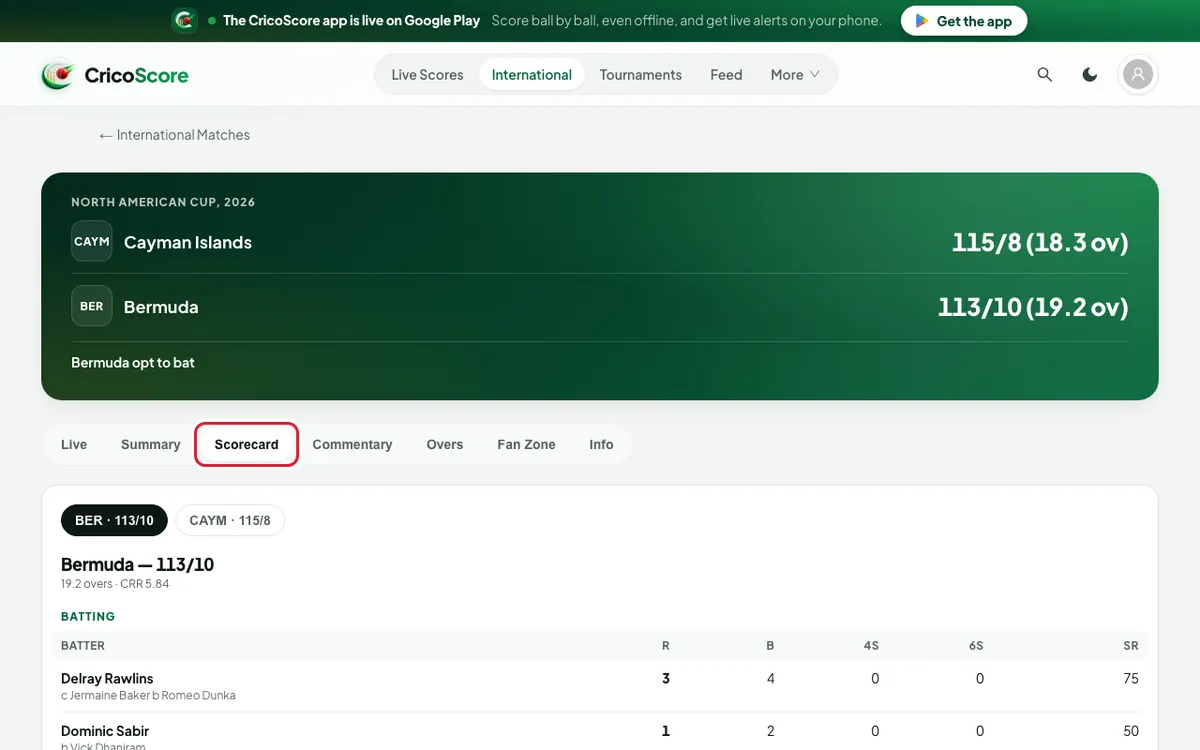
Picture 2. Tap or click to see it bigger. On Series, click (or tap) a series. Its tabs are Matches, Points Table, Stats, Squads and Venues.
Click (or tap) a team name to open the team. Its tabs are Results, Schedule and Players.
On the Players tab, click (or tap) a player to see their Batting and Bowling stats.
On the series Venues tab, click (or tap) a ground to see its details.
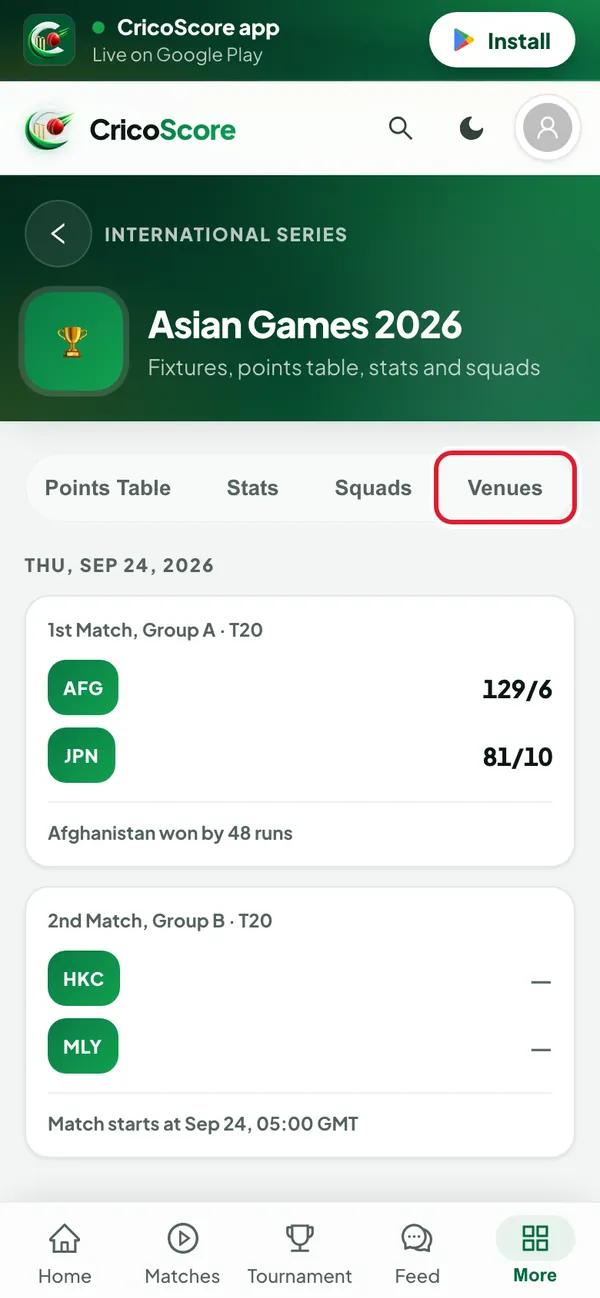
Picture 3. Tap or click to see it bigger.
Where to watch a match
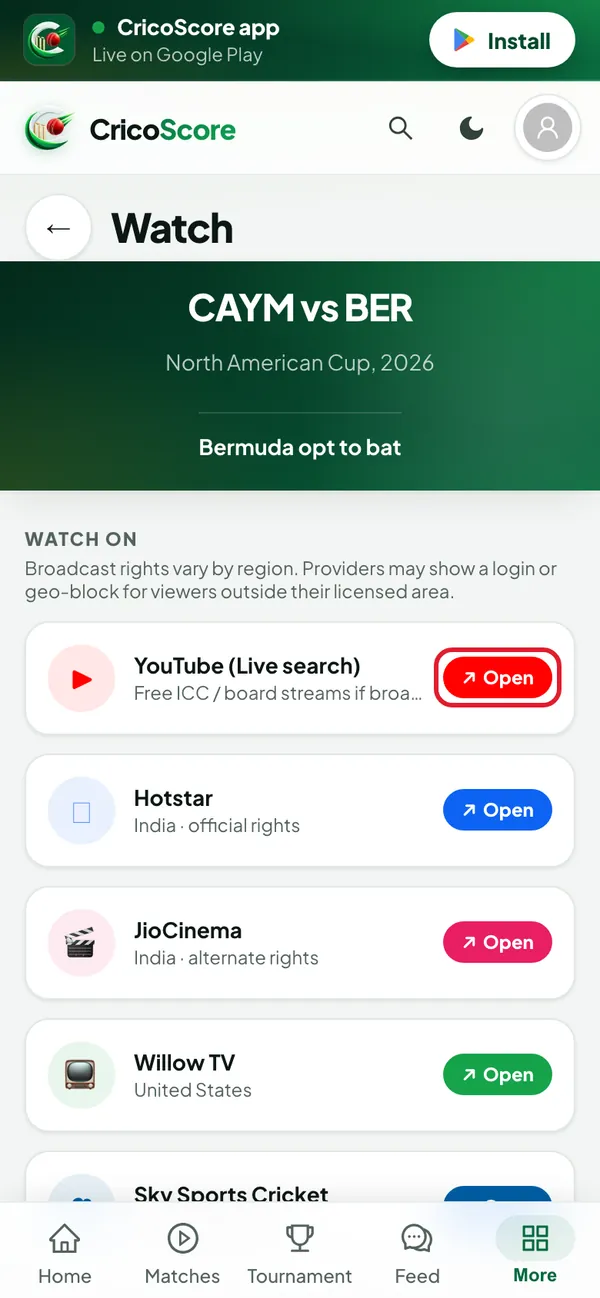
While a match is live, its page shows a WATCH LIVE box. Click (or tap) Watch options for this match. The Watch page lists TV and streaming services, like Hotstar or Sky Sports Cricket. Click (or tap) Open to go to that service.
Common problems
| Problem | What to do |
|---|---|
| I can't find Watch options for this match | It shows only while the match is live. |
| A watch service does not play | Each service decides which countries it shows to. Try another one. |
| I want a local match, not an international one | Use Live Scores in the top menu, or Matches on a phone. See Live scores. |