


Your account
How to edit your profile and username on the website
You will change your photo, cover photo, cricket details and username.
Who can do this
Anyone with an account.
Before you start
Sign in on the website. See How to sign in on the website.
A photo on your phone or computer (JPG, PNG or WebP, up to 15 MB).
Steps
Click (or tap on a phone) your picture at the top right. Then click My account.
Click Edit profile. The Edit profile page opens.
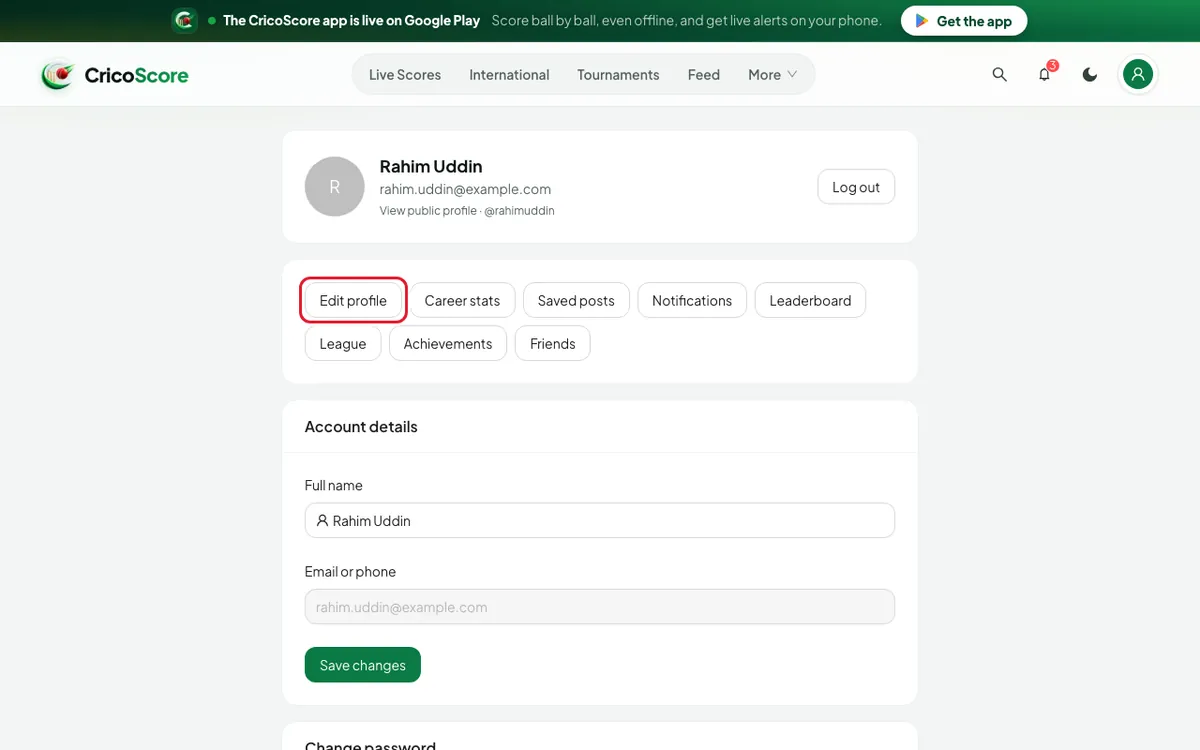
Picture 1. Tap or click to see it bigger.
Photo and cover
Click Change photo. Choose a picture.
Drag the picture to place it. Then click Use photo. You see Photo updated.
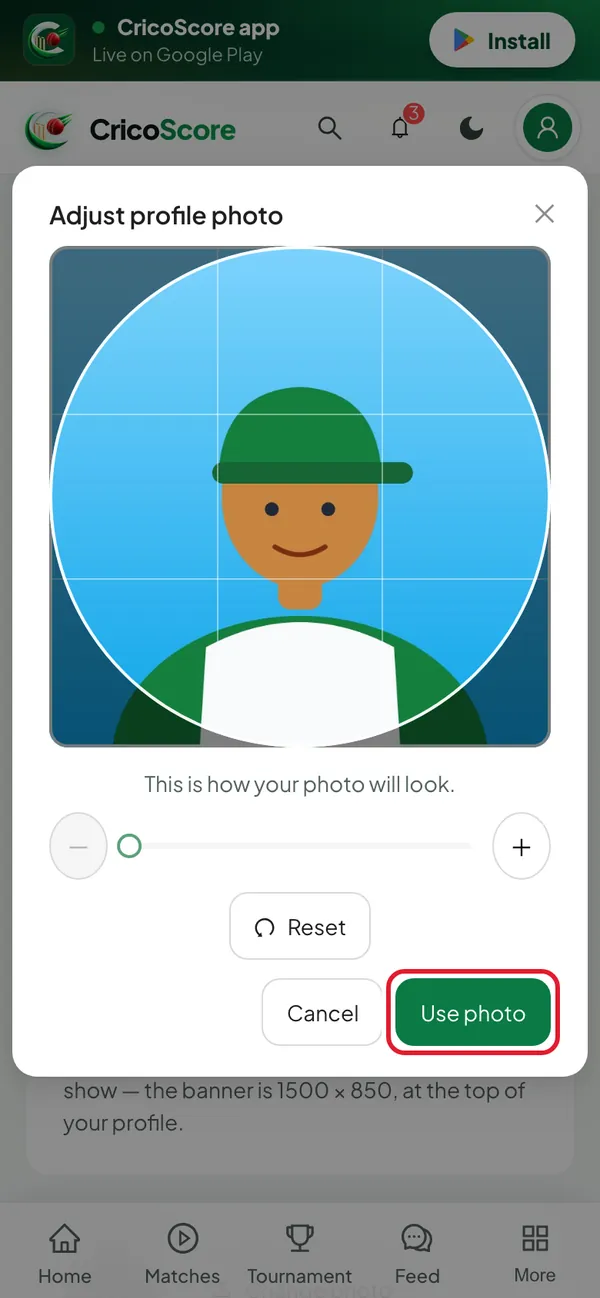
Picture 2. Tap or click to see it bigger. In Cover photo, click Add cover (or Change cover). Choose a picture.
Place it, then click Use cover. You see Cover photo updated.
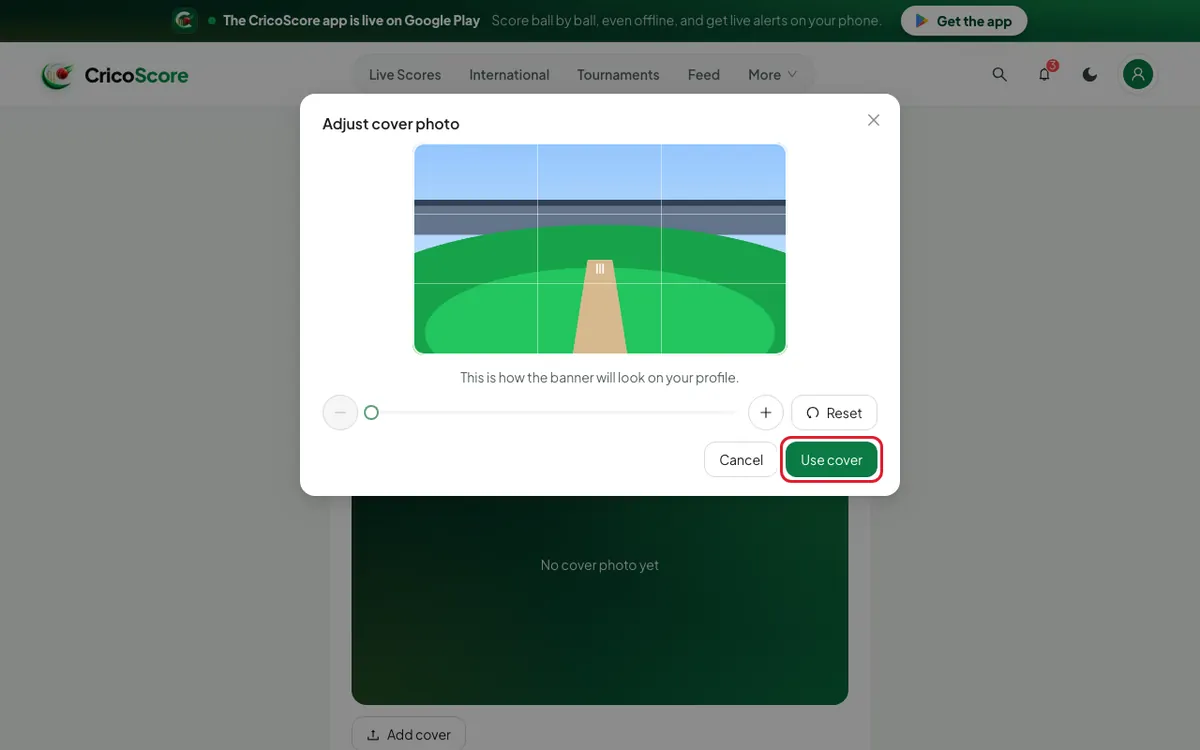
Picture 3. Tap or click to see it bigger.
Your details
Change what you need: Display name, Role, Batting style, Bowling style, Jersey number, Location, Bio.
Click Save profile. You see Profile saved.
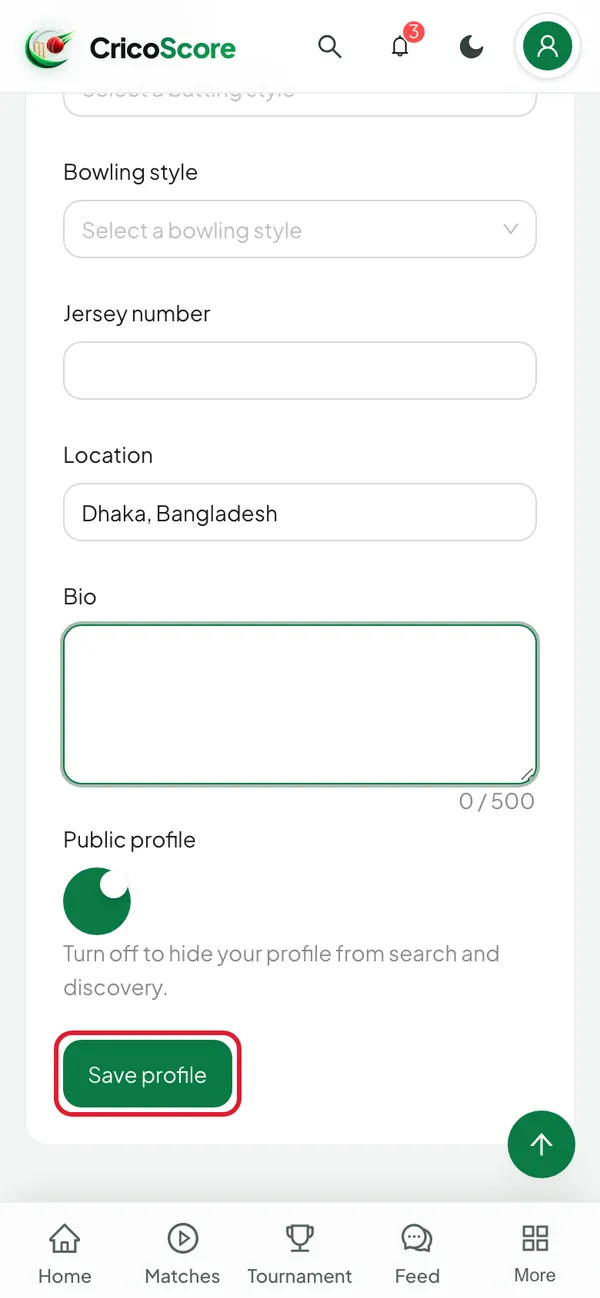
Picture 4. Tap or click to see it bigger.
Your username
In the Username card, click Change.
Type a new username. Wait for @… is available in green.
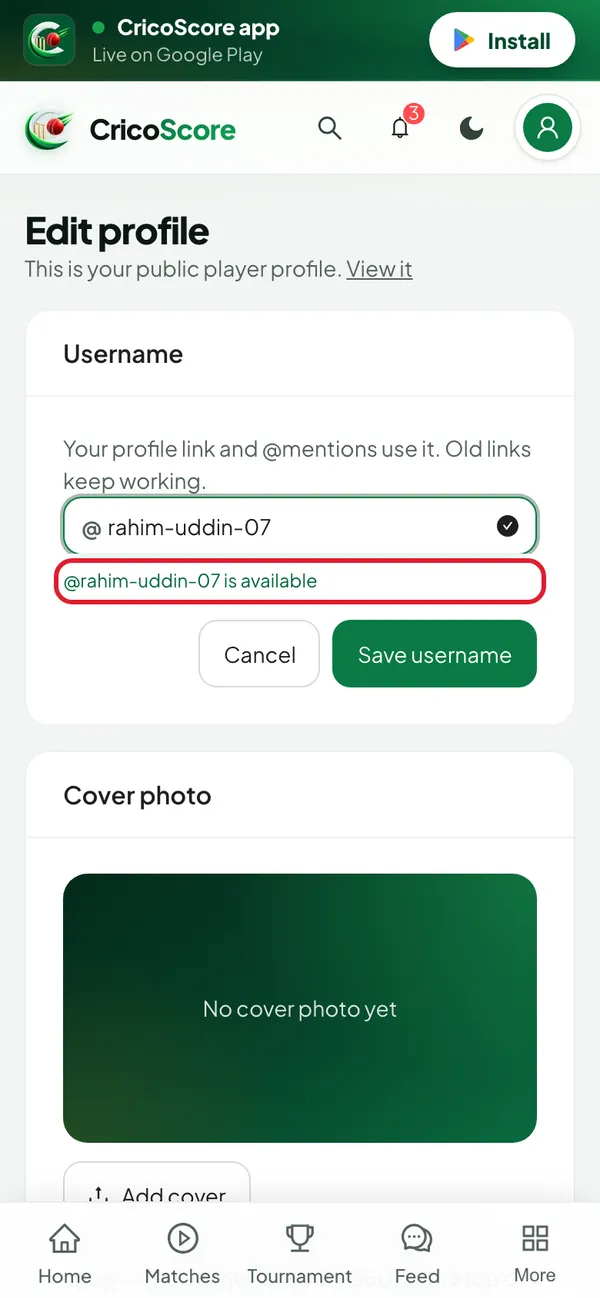
Picture 5. Tap or click to see it bigger. Click Save username. You see Username changed. You are now @….
Common problems
| Problem | What to do |
|---|---|
| Change photo is grey | You have no profile yet. Click Save profile once first. |
| I see That username is taken | Someone has it. Try another, for example add a number. |
| I see You can change your username again on … | You changed it in the last 30 days. Wait until that date. |
| I see That username is reserved | Words like "admin" or "cricoscore" are not allowed. Choose another. |
| I see Choose a JPG, PNG or WebP picture. | Choose a different picture type. |
| Capital letters or spaces disappear when I type | Usernames use small letters only. The website removes the rest. |